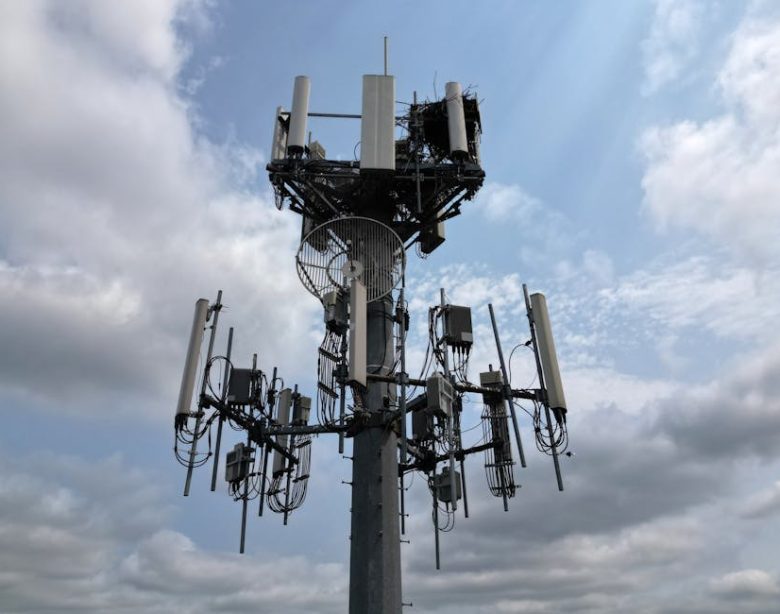
How to Create Stunning Outdoor Photoshoots with Reliable 5G Connectivity
Imagine this: You’re on location for a breathtaking sunset photoshoot, golden hour is fast approaching, your model is perfectly posed against a stunning vista, and you need to instantly share a preview image with your client for approval. But your smartphone’s data connection is crawling. Frustration mounts as precious light fades. This scenario, all too common for photographers, highlights the critical need for reliable internet connectivity during outdoor shoots. Stable internet isn’t just a convenience; it’s an essential tool for communication, collaboration, and instantaneous content delivery.
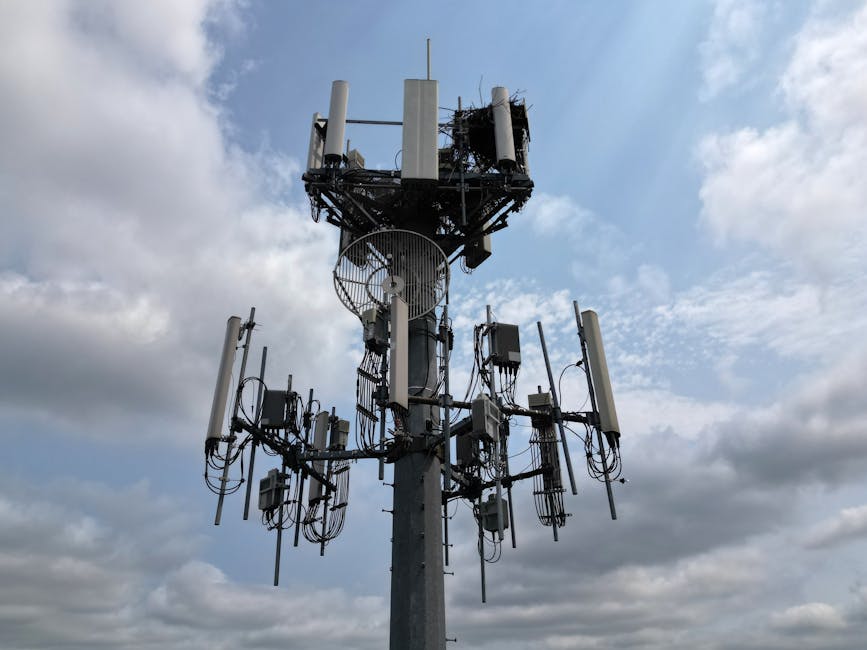
Why Reliable 5G is Crucial for Outdoor Photoshoots
The shift toward real-time content creation and client collaboration has amplified the demand for seamless internet access in every location. Here’s why a robust 5G connection is no longer optional, but rather a necessity for professional outdoor photoshoots:
- Instant Image Sharing: Clients often require immediate previews or approvals before, during, and after a shoot. A reliable 5G connection allows you to quickly send high-resolution images or even live video streams, reducing delays and enhancing client satisfaction.
- Real-time Collaboration: Working with remote stylists, makeup artists, or art directors becomes infinitely easier with a stable connection. You can use video conferencing or shared editing platforms to receive instant feedback and make necessary adjustments on the spot.
- Social Media Updates: Showcasing behind-the-scenes content or posting teaser images on social media is a powerful marketing tool. A fast 5G connection enables you to keep your audience engaged and attract new clients in real-time.
- Accessing Cloud Storage: Uploading large image files to cloud storage services like Google Drive or Dropbox becomes significantly faster and more efficient with a 5G connection, ensuring that your valuable work is safely backed up. This is especially important when shooting in remote locations where data loss is a major concern.
- Live Streaming Capabilities: For certain types of shoots, such as fashion shows or promotional events, live streaming to social media platforms can generate considerable buzz and engagement. A reliable 5G connection is essential for delivering a smooth and uninterrupted viewing experience.
Essential Tips for Planning an Outdoor Photoshoot
Even with the best technology, a successful outdoor photoshoot requires careful planning and execution. Here are some indispensable tips to ensure a smooth and productive shoot:
- Scout the Location: Before the shoot, thoroughly scout the location to assess the available light, potential backdrops, and any logistical challenges. Pay attention to the position of the sun at different times of the day to plan your shots accordingly.
- Check the Weather Forecast: Keep a close eye on the weather forecast and be prepared to reschedule if necessary. Unfavorable weather conditions can not only ruin your shots but also pose safety risks for your team.
- Create a Shot List: Develop a detailed shot list that outlines the specific poses, angles, and compositions you want to capture. This will help you stay organized and ensure that you cover all the essential shots within the allotted time.
- Pack Essential Equipment: In addition to your camera and lenses, remember to bring essential accessories such as reflectors, diffusers, tripods, and extra batteries. Also, pack weather-appropriate clothing and sunscreen for yourself and your team.
- Communicate Effectively: Clear and open communication is crucial for a successful photoshoot. Make sure everyone on your team understands their roles and responsibilities, and encourage them to share their ideas and feedback.
Choosing the Right Mobile WiFi Router: TP-Link M8550
To guarantee a stable and high-speed internet connection during your outdoor photoshoots, investing in a reliable mobile WiFi router is paramount. The TP-Link M8550 Saponetta WiFi 5G emerges as a top contender for its impressive features and performance. This router is designed to provide exceptional connectivity in various environments, allowing you to stay connected and productive no matter where your work takes you. With a rating of 4.3/5 from over 19,000 reviews, it’s a trusted option.
Key Features of the TP-Link M8550
- 5G Connectivity: The M8550 supports the latest 5G technology, enabling download speeds of up to 3400Mbps and upload speeds of up to 900Mbps. This ensures lightning-fast data transfer, allowing you to share high-resolution images and videos in seconds.
- WiFi 6E AXE3600Mbps Tri-Band: This router features WiFi 6E technology, which provides faster speeds, lower latency, and increased capacity compared to previous WiFi standards. The tri-band support ensures that your devices can connect to the optimal frequency band for the best possible performance.
- 4700mAh Battery: The M8550 is equipped with a 4700mAh battery, providing up to 18 hours of continuous use on a single charge. This is particularly useful for long photoshoots in remote locations where access to power outlets may be limited.
- Gigabit WAN/LAN Port: The Gigabit WAN/LAN port allows you to connect the router to a wired network for even faster and more reliable connectivity. This can be useful in situations where a wired connection is available, such as at a studio or event venue.
- Touchscreen Display: The M8550 features a user-friendly touchscreen display that allows you to easily monitor your data usage, battery life, and network settings. This makes it simple to manage your connection and optimize your performance.
- Supports up to 32 Devices: The M8550 can support up to 32 devices simultaneously, making it ideal for teams of photographers, stylists, and assistants who all need to stay connected.
- VPN Support: The router supports VPN connections, allowing you to securely access your company network or protect your privacy when using public WiFi hotspots.
The TP-Link M8550 measures approximately 4.1 x 2.6 x 0.6 inches and weighs around 7.4 ounces, making it compact and portable for on-the-go use. Its operating temperature ranges from 32°F to 104°F (0°C to 40°C), ensuring reliable performance in various weather conditions.
To see if it fits your needs, Check price on Amazon.
Optimizing Your Photoshoot Workflow with 5G
Integrating a 5G mobile router like the TP-Link M8550 into your photoshoot workflow can significantly enhance your productivity and efficiency. Here are some practical ways to leverage the power of 5G during your shoots:
- Instant Image Review: Connect your camera to the router via WiFi and use a wireless image transfer app to instantly send photos to your laptop or tablet for review. This allows you to quickly assess the quality of your shots and make necessary adjustments on the spot.
- Remote Editing: Use a cloud-based photo editing platform like Adobe Lightroom or Capture One to edit your images in real-time, even while you’re still on location. This can save you valuable time and allow you to deliver final images to your clients much faster.
- Live Collaboration: Set up a video conference call with your client or creative team and share your camera’s live feed via the 5G connection. This allows them to provide instant feedback and ensure that you’re capturing the shots they envision.
- Social Media Engagement: Use the 5G connection to post behind-the-scenes photos and videos on social media platforms like Instagram and TikTok. This can help you generate buzz and attract new followers to your brand.
- Secure Data Backup: Automatically back up your photos and videos to a cloud storage service like Google Drive or Dropbox as you shoot. This ensures that your valuable work is protected against data loss or theft.
Understanding 5G Technology and Its Benefits
5G represents the fifth generation of wireless technology, designed to deliver significantly faster speeds, lower latency, and greater capacity compared to its predecessors. While 4G networks offer download speeds of up to 100Mbps, 5G networks can achieve speeds of several gigabits per second (Gbps). This enhanced speed translates to faster downloads, smoother streaming, and more responsive online experiences.
Latency, which refers to the delay between sending and receiving data, is also dramatically reduced with 5G. 4G networks typically have a latency of around 50 milliseconds, while 5G networks can achieve latencies as low as 1 millisecond. This ultra-low latency is crucial for applications such as real-time gaming, virtual reality, and autonomous vehicles.
Furthermore, 5G networks offer significantly greater capacity than 4G networks, allowing them to handle a larger number of connected devices simultaneously without experiencing congestion. This is particularly important in densely populated areas or at events where many people are using their mobile devices at the same time.
In 2026, 5G technology will be even more prevalent, so understanding its nuances is a good skill to have.
Troubleshooting Common Connectivity Issues
Even with the best equipment, you may occasionally encounter connectivity issues during your outdoor photoshoots. Here are some common problems and how to troubleshoot them:
- Weak Signal: If you’re experiencing a weak signal, try moving to a different location or raising the router off the ground. You can also try using an external antenna to boost the signal strength.
- Slow Speeds: If your speeds are slower than expected, try restarting the router and your connected devices. Also, make sure that you’re not exceeding your data allowance or experiencing network congestion.
- Intermittent Connection: If your connection is constantly dropping, try checking the router’s firmware for updates. You can also try changing the WiFi channel to avoid interference from other devices.
- Device Compatibility: Ensure that all your devices are compatible with the router’s WiFi standards. Older devices may not be able to connect to the latest WiFi 6E networks.
- Security Settings: Double-check your router’s security settings to ensure that your network is properly protected. Use a strong password and enable encryption to prevent unauthorized access.
Alternative 5G Router Option
While the TP-Link M8550 is an excellent choice, another option to consider is the TP-Link NE200-Outdoor Router 5G. This router is designed for outdoor use and boasts impressive download speeds of up to 4.67Gbps. It also supports PoE (Power over Ethernet) for easy installation. See current deal, but bear in mind it is more suited to permanent outdoor installations.
Conclusion
Achieving professional-quality outdoor photoshoots requires more than just a skilled photographer and a stunning location. Reliable internet connectivity is now an indispensable component of the modern photoshoot workflow. By investing in a high-performance 5G mobile WiFi router like the TP-Link M8550 and following the tips outlined above, you can ensure seamless communication, collaboration, and content delivery, ultimately elevating your work and satisfying your clients.